Beforehand scheduling might not be enough to cover everything your clinic needs. Therefore, LinkHMS supports the live queue functionality that embraces smooth integration of walk-ins, minimal wait times, and clear appointment prioritization.
The live queue updates automatically by adding new appointments, processing existing ones, or changing the doctors’ schedule. Your clinic gets efficient solutions to manage patient flow smoothly, as the Receptionist can always find an available time slot at the patient’s request.
The Receptionist manages the queue through the scheduling module.
When scheduling visits, procedures, or consultations beforehand, it’s commonly based on the patient’s preferences – convenient time, preferred doctors, specific requests, etc.
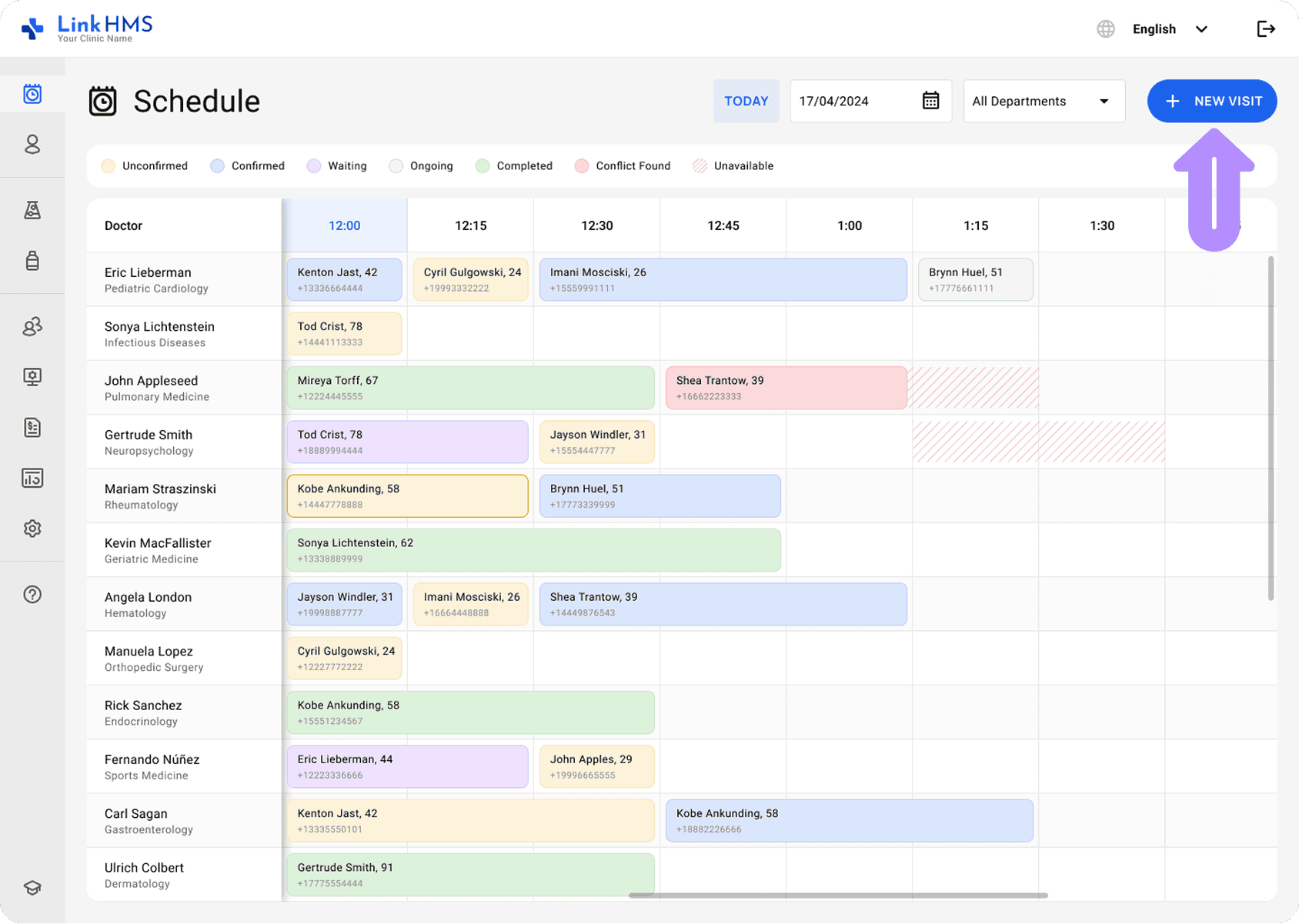
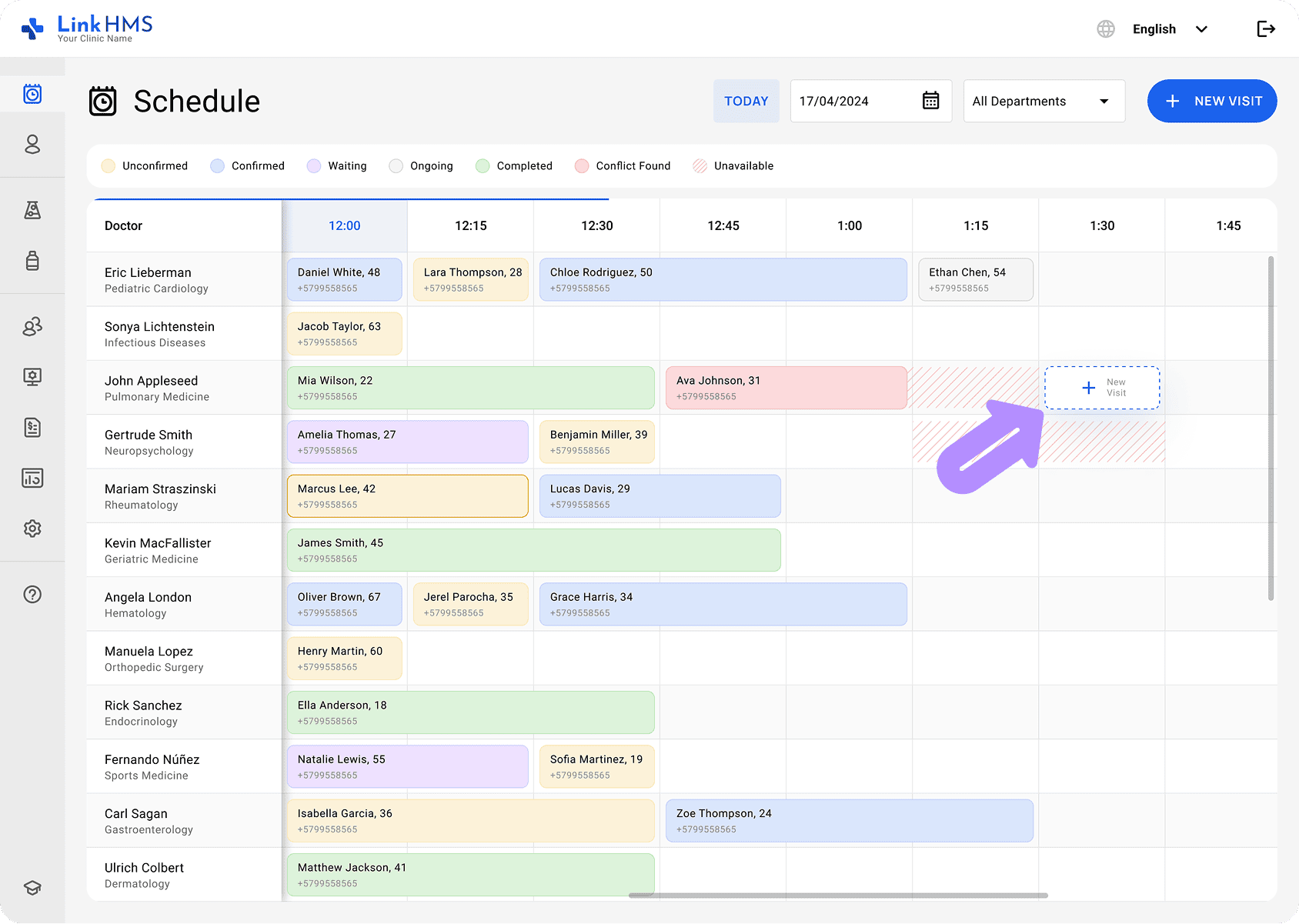
If it refers to appointments for walk-in patients, the Receptionist is responsible for finding the available time slots.
The live queue is based on real-time availability adjusted by instant system updates on patient check-in, doctor availability, the urgency of care, etc.
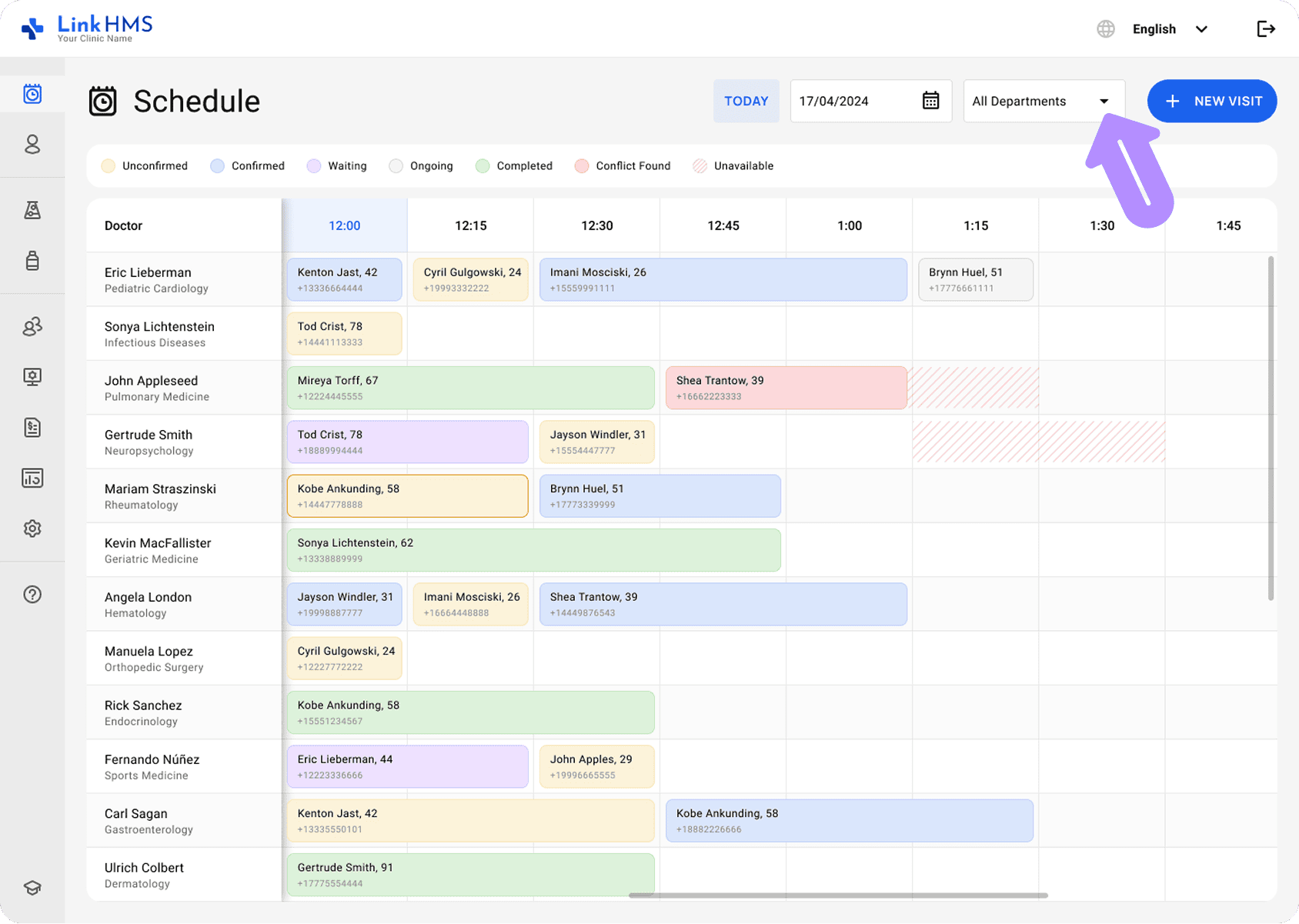
Once the Receptionist knows the reason for the visit, they can check availability and inform the patients about the queue status and wait times. One of the options is to check availability by selecting the specific department and the closest available doctor.
Appointments appear on the calendar, showing their color-coded statuses for easy identification.
Integrating unscheduled patients into the workflow isn’t always easy, though there is always a possibility of schedule changes to shorten the patient wait times. For instance, when some patient cancels or reschedules an appointment, it opens extra slots for new appointments.
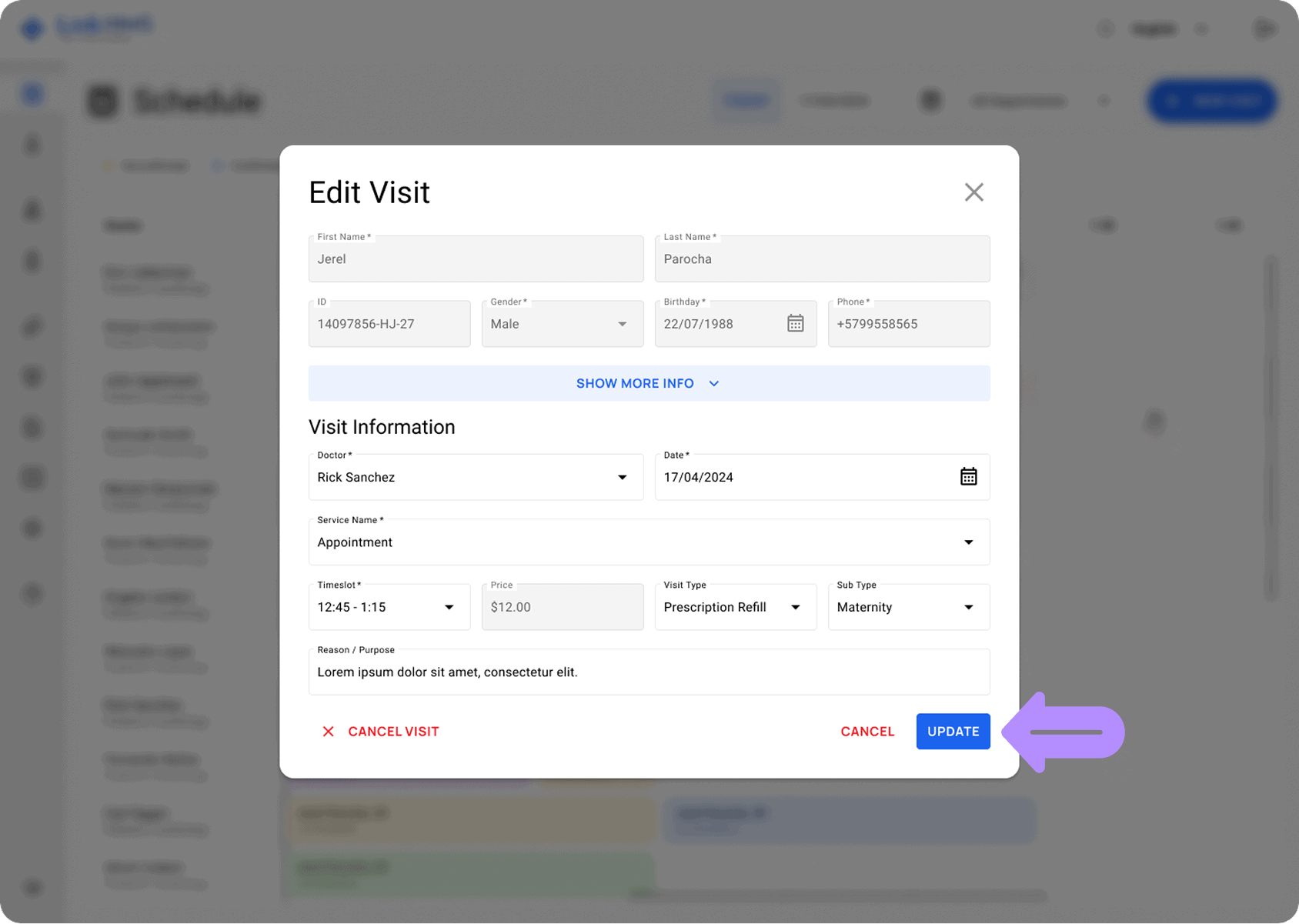
The Receptionist usually removes patients who do not show up and reallocates their slots to those who wait in the queue.
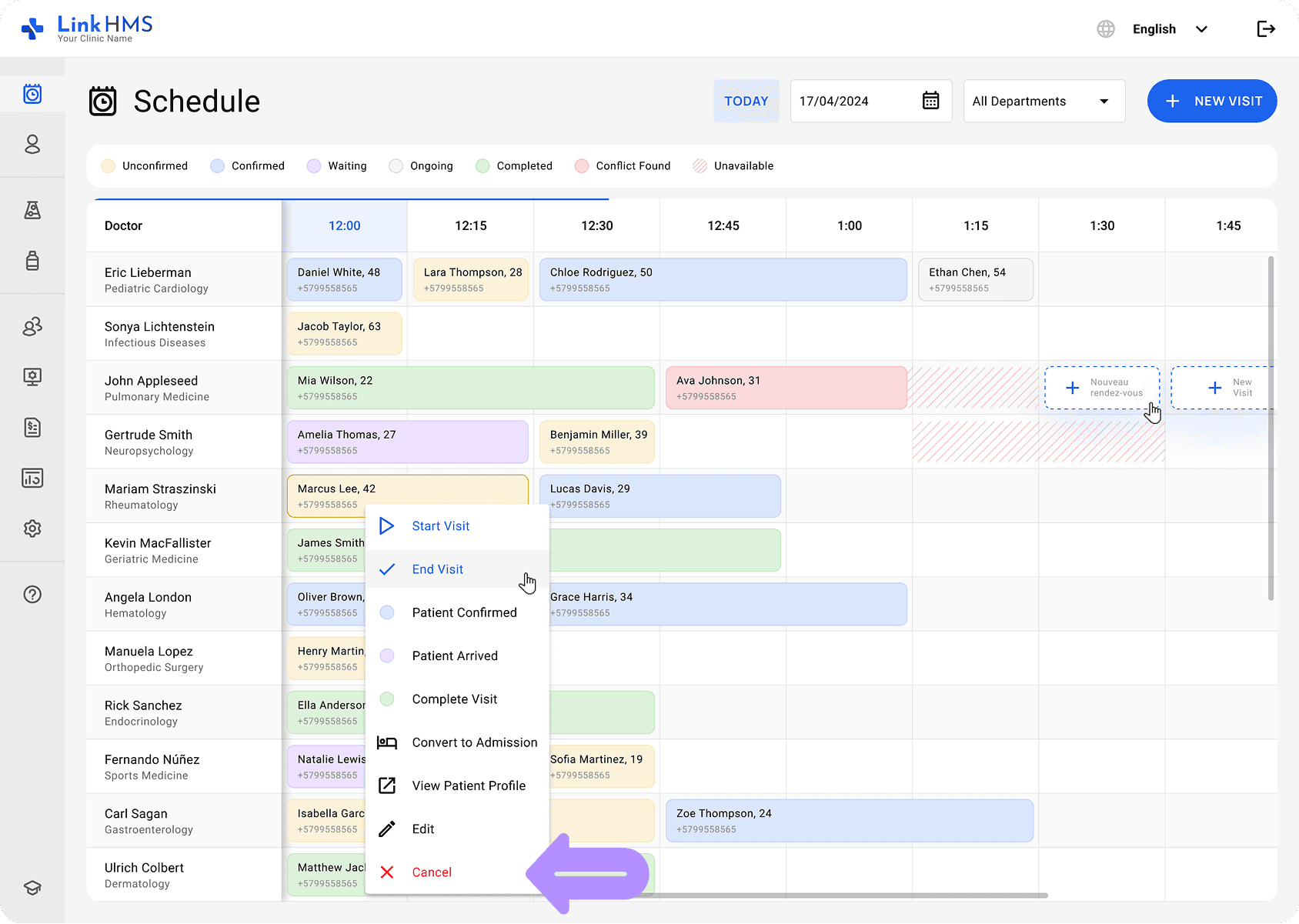
In case of emergency, urgent patients are prioritized over others in the queue. It’s a good practice to have extra specialists who handle urgent cases outside of regular appointments.
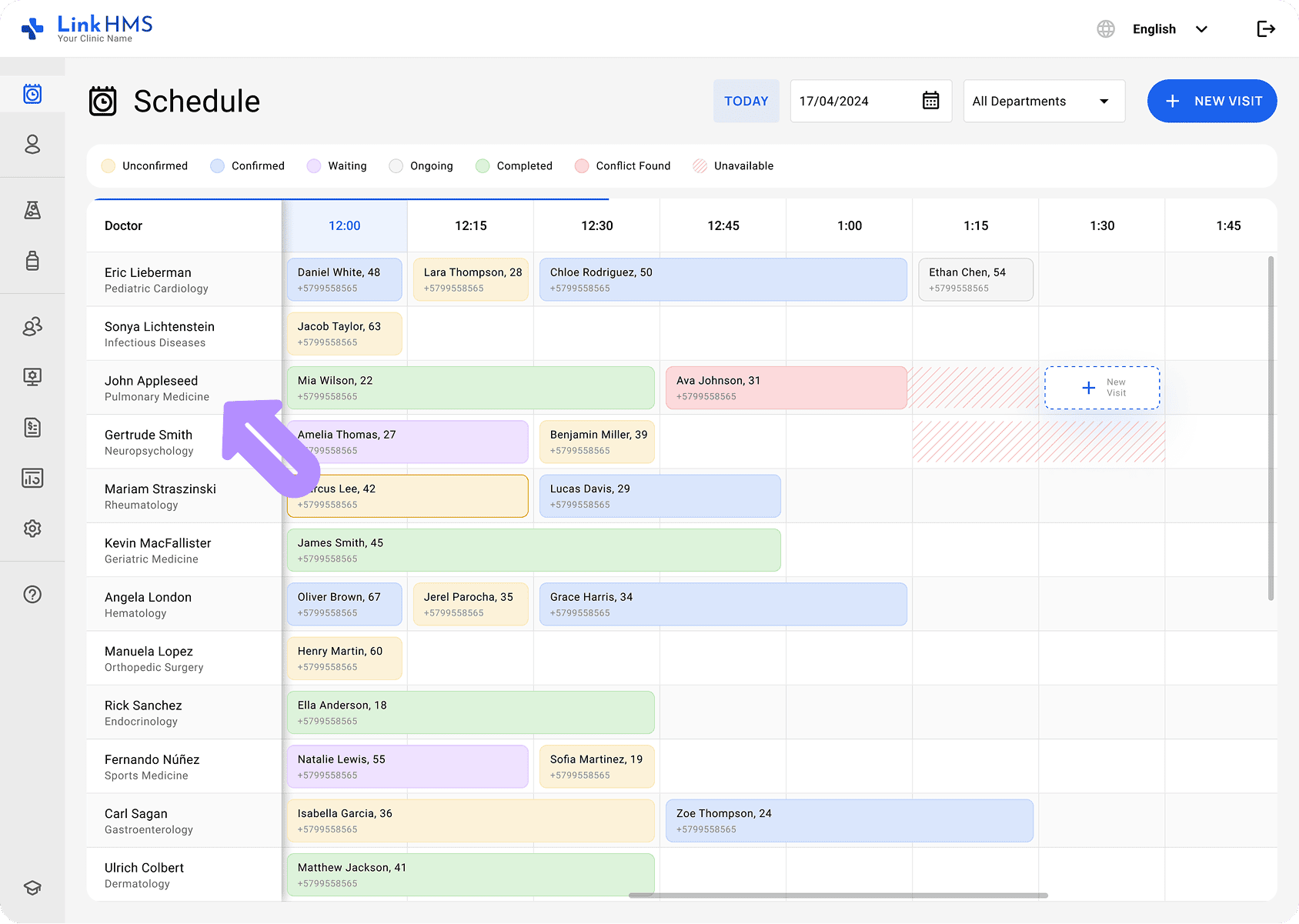
Sometimes, the Receptionist can reassign patients to a different doctor due to changes in availability. It happens when appointments are delayed due to additional procedures or early completion, such as a doctor switch request.
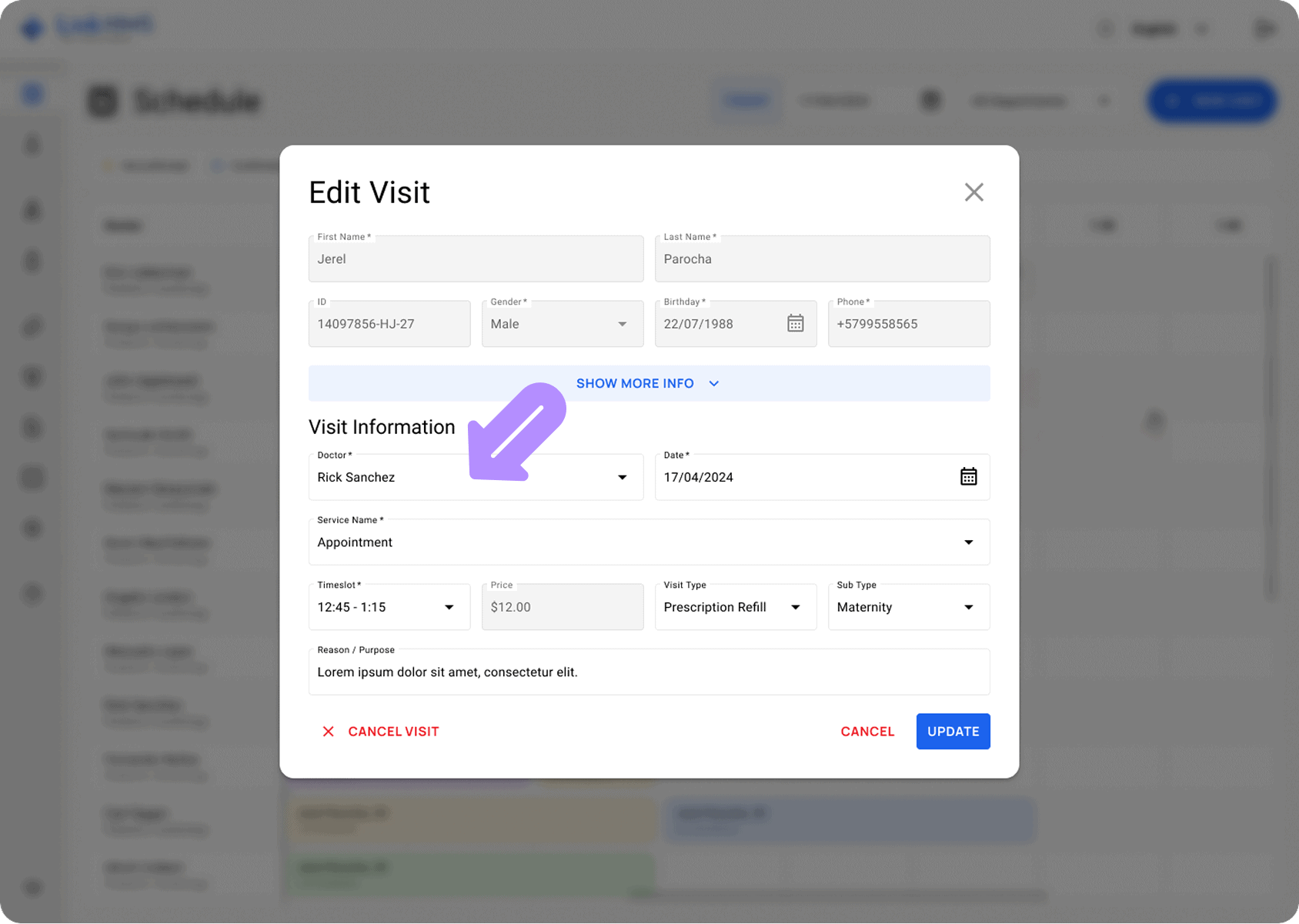
At the end of the clinic hours, the remaining patients in the queue should be attended to or scheduled for the other day if their conditions allow.
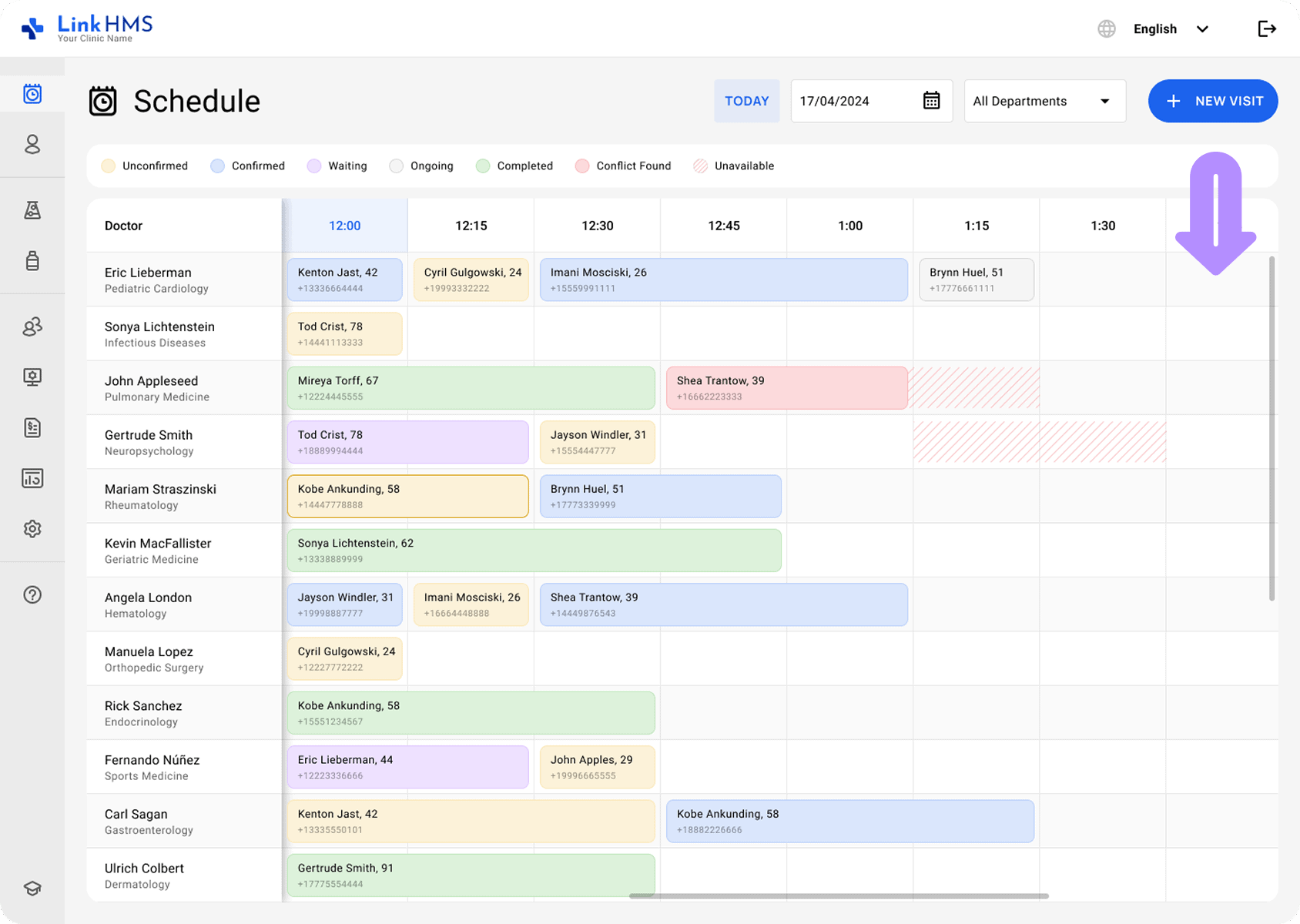
LinkHMS allows your clinic to support the patient flow and allocate doctors based on queue demand. With the addressed live queue requirements, it successfully integrates unscheduled patients, accommodates walk-ins, handles emergencies, and more.
If you need some additional details on how LinkHMS works, we’ve prepared other helpful guides to answer your questions.